MediFlow OPD
Available from 7 November 2026
The outpatient day, booked and run from one list.
MediFlow OPD runs the outpatient day for a hospital or clinic, from the booking to the bill. The same patient record is used for the appointment, the queue, the prescription and the bill. Everything prints in your hospital's name, on your own letterhead if you wish.
Early bird price
₹8,000
a year, before GST
Standard price ₹10,000
₹750
a month, before GST
Standard price ₹850
10 email logins and Employee ID sign-in. Early bird: Sign up while the early bird offer runs (it ends in 6 months) and keep your early bird price for 2 years from sign-up, paying monthly or yearly. After that the standard price applies.
Setting up
You can set up everything yourself, free of charge. Guided set-up is optional and paid once, done only when you ask: ₹10,000, remote, before GST (proposed, not yet confirmed).
From the booking to the bill.
Step 1
Book
From the desk, by phone or from your own website, into one day list.
Step 2
Token
A number and a slip, once any fee is paid.
Step 3
Consult
The doctor's worklist, vitals and the note.
Step 4
Prescribe
Printed on paper or your own letterhead.
Step 5
Bill
Cash, UPI, card or payment link, with a receipt.
What is in MediFlow OPD
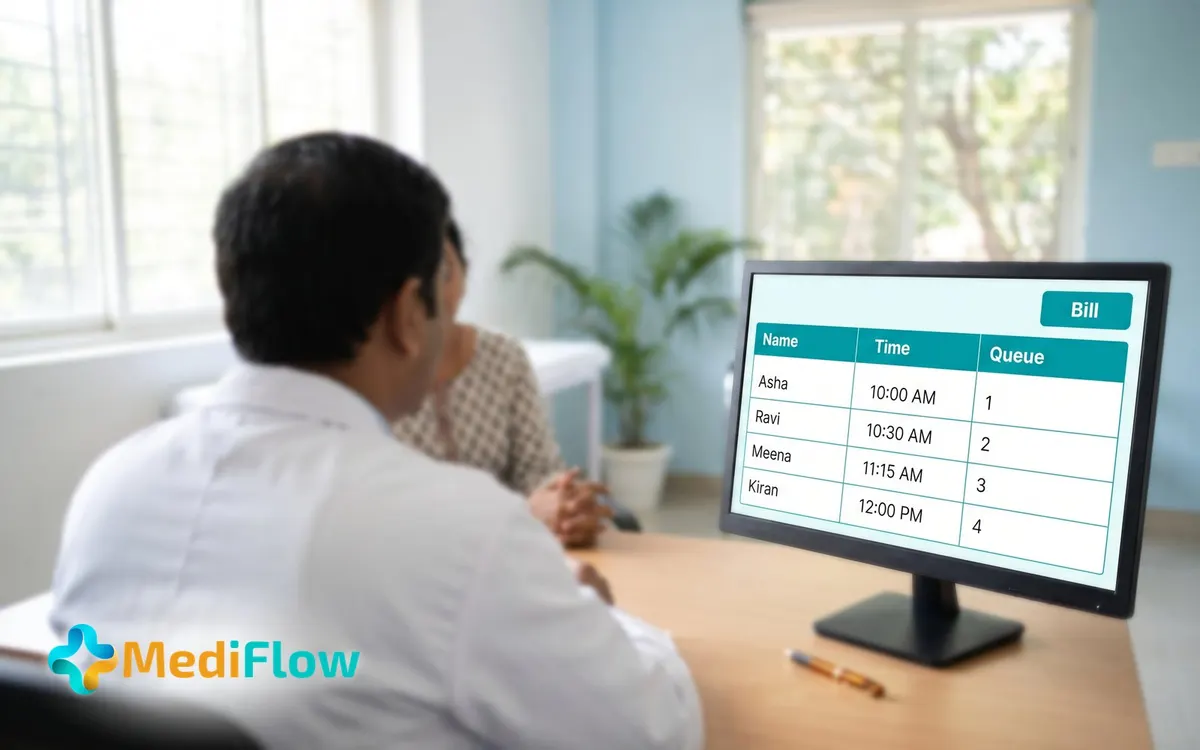
Booking and appointments
- Book walk-in and phone appointments from one form, choosing patient, service, doctor, date and slot.
- See how many places are left in each slot before you book.
- Take bookings from your hospital's own website into the same day list.
- Filter the day or the calendar by status, payment, doctor, service or how it was booked.
- Reschedule or cancel an appointment, and its bill is revised or voided to match.
- Connect your own WhatsApp account and number: patients book in WhatsApp, and reminders, bills and campaigns go out from the panel, with message wording you can edit. No extra subscription; you pay Meta directly plus ₹0.20 a message credit, with 300 credits free to start.
Doctors, slots and leave
- Set each doctor's working days, morning and evening sessions, slot length and patients per slot.
- Add hospital holidays and doctor leave so nobody can book those days.
- When leave clashes with booked visits, choose to reschedule, cancel or refund each one.
- Set a fee for each service, with options and an online advance where you want one.
- Book several services and more than one doctor on a single visit.
Front desk and patient registration
- Register a patient once and use the same record for booking, queue, prescription and bill.
- See people already registered as you type a name or number, to avoid duplicates.
- Print a registration card with the MR number and a QR code, holding no medical information.
- Choose the MR number format and which optional fields are shown, required or locked.
- Record ABHA numbers, allergies, extra phone numbers, a nominee and treatment consents on the record.
- Import existing patients from a spreadsheet, and merge duplicate records with a second person's approval.
OPD queue and tokens
- Check in each patient and give a token, once any fee is paid.
- Print the token slip, and give the hospital or each doctor their own token prefix.
- Call the next patient from each doctor's board, which shows the token being served.
- Move patients through Waiting, Called, With the doctor, Done and Left; leaving counts as a no-show.
- Scan a visit QR to open the visit, or billing if the fee is unpaid.
Consultation
- Give each doctor a worklist of patients called, waiting, booked and seen today.
- Let a nurse record vitals and the pre-consult intake before the doctor sees the patient.
- Write the note with findings, investigations and working diagnosis, starting from your own templates.
- Open earlier visits from the consultation and set a follow-up date for the patient.
- Issue medical and fitness certificates, each recorded in a certificate register.
Prescriptions
- Search medicines while prescribing, each marked OTC, Schedule H, H1 or X.
- Keep your own medicine list, added one by one or imported from a spreadsheet.
- Set dose, times a day, when, food, route, days and instructions as separate fields.
- Reuse saved presets for common sets, and print Tamil lines you have approved under each medicine.
- Print on paper or your own letterhead, A4 or A5, with registration number and health IDs.
- A printed prescription is locked; a mistake is put right with a new one.
Billing and payments
- Take part payments in cash, UPI, card or payment link, each with its own reference.
- Number bills, receipts and refund notes in separate series, with your own prefix.
- Record discounts and extra charges with a reason; amounts above a role's limit wait for approval.
- Refund a cancelled visit in full or part, with approval and a refund note.
- Collect on a card machine at the desk, or send a payment link.
- Use a Billing desk screen where a billing team takes and corrects payments by date.
Reports and the dashboard
- Read the dashboard for chosen dates: appointments, cancellations, pending payments and revenue after refunds.
- See money taken by cash, UPI, card and online, and bookings by where they came from.
- See who is on leave today and in the next 7 days beside the day's bookings.
- Open reports for collections by payment mode, revenue by department and OPD visits by department.
- Review discounts given, with the amount and who recorded each one.
- Search every bill, receipt and refund note, with totals for your dates; reports download as spreadsheets.
Staff, access and setup
- Build roles and tick what each can view, create, edit or delete.
- Invite staff by email, or give a person without email an employee ID and first password.
- Require two-step sign-in for chosen roles and lock idle screens after 5 to 15 minutes.
- Read an activity log of who did what and when, kept for the years you choose.
- Add your logo, colours and letterhead, and choose larger text for anyone who needs it.
- Raise a support ticket to Fordawn from inside the panel, and follow a go-live checklist.
Who uses it
Super Admin
Builds roles and ticks what each can view, create, edit or delete.
Administrator
Sets doctors, slots and fees, and reads the reports.
Front office
Registers patients, books visits, gives tokens and takes payment.
Doctor
Works from the worklist, writes the note and prescribes.
Ward nurse
Records vitals and the pre-consult intake.
Next step: MediFlow OPD + Pharmacy
Adds the pharmacy counter, working from the same prescription.
See MediFlow OPD + PharmacyIllustrations are for visual explanation only. Prices are per hospital, before GST. MediFlow is a product of Fordawn, hosted in India.