
On this page
Custom ecommerce development can give a store owner a simple new habit. He asks his store a question in plain words and gets an answer. At 5Senses, the client has his own everyday chat assistant connected to his store. He can ask about orders, sales and stock without opening a report.
In short
- Custom ecommerce development can include a read-only connection that lets an owner ask his store about orders, sales and stock in plain words.
- The connection reads the store's own records, and every request is tied to the person who signed in and connected it.
- An owner can ask about recent customer orders, one order in full, customer reviews, stock levels, the stock sync and sales by channel.
- Besides reading, the one thing the connection can do is raise a support ticket for the team.
Why this matters
A store owner often knows what he wants to find out and loses time finding the screen that holds it. The order is in one place, the stock level in another, and the sales split by channel in a third.
A plain question removes that search. The owner types what he would ask a colleague, and the store answers from its own records.
The limit is simple: an answer is only as good as the records behind it. The assistant reads what the store holds, and nothing more.
What can a store owner ask?
A store owner can ask about the things he checks most days: orders, stock, reviews and sales. The 5Senses client asks about each of them in his own words.

He can ask for recent customer orders, filtered by status or by order number. He can open one order in full, with its items, its status history, its shipping and tracking, and its payments.
He can ask for customer reviews, and for the stock of one product or of all of them. He can ask what is below a stock level he names.
He can also ask when the stock sync last ran, and which items it could not update. And he can ask how revenue, orders and average order value look by channel, for a date range he chooses.
Two more reads sit alongside these. One is the headline numbers of the analytics dashboard, with any alerts on it. The other is the list of products featured on the home page.
How does the connection stay read-only?
The connection reads. It does not change an order, a price or a stock level. Besides reading, the one thing it can do is raise a support ticket, with up to two attachments.
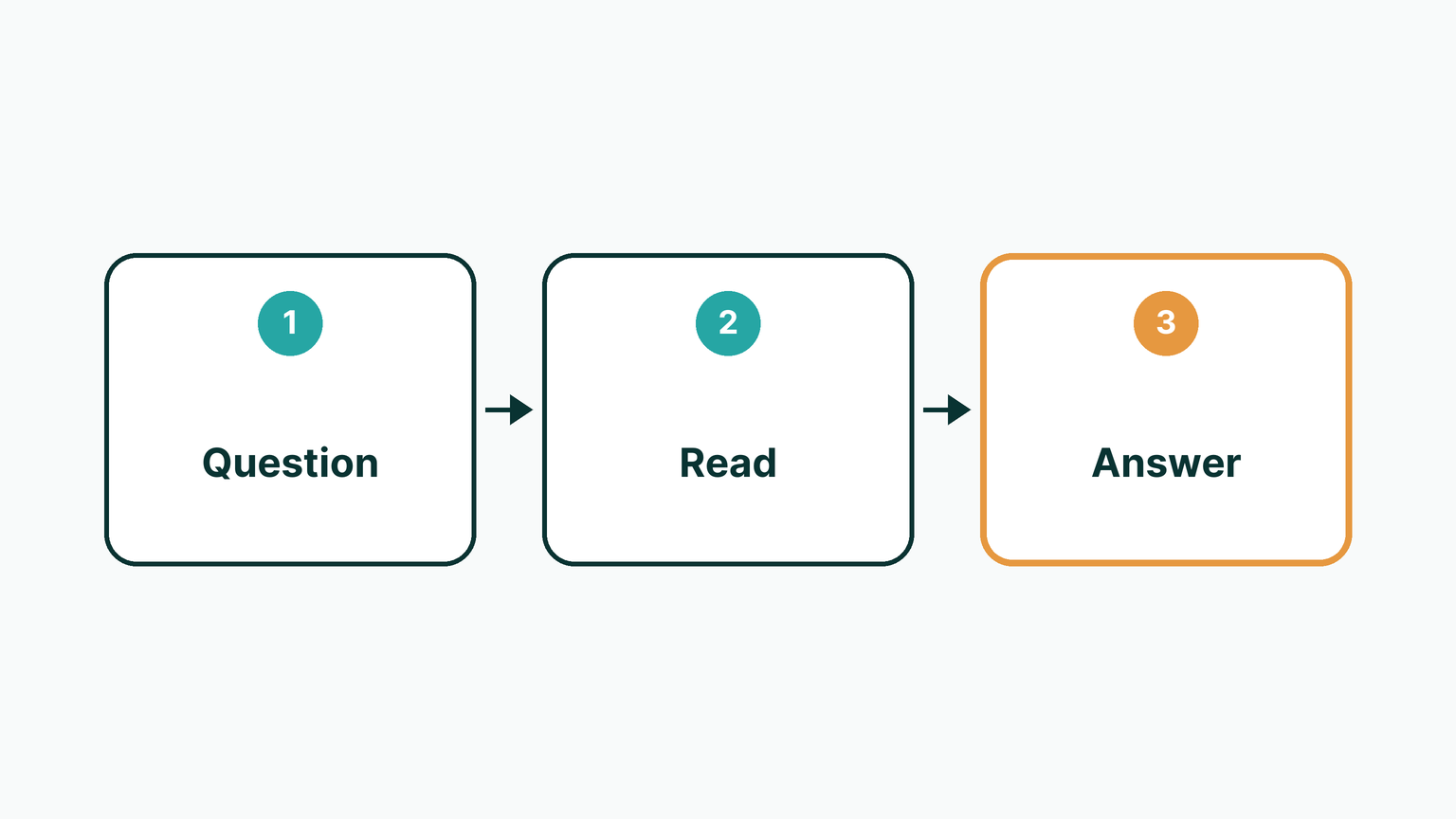
The owner adds the connection to his own assistant through a proper sign-in step. After that, each request is tied to the person who connected it, so it is clear who asked.
Security guidance points the same way. OWASP, the Open Worldwide Application Security Project, describes access control as a policy that stops users acting outside their intended permissions. A read-only connection keeps to that idea.
OWASP's API security guidance also asks for an authorization check wherever a request names a record. A request that names an order should be checked against who is asking.
This suits an owner who already uses an everyday assistant and wants his store inside it. It does not suit a team that wants one shared login for everyone. Each person connects with their own sign-in.
What does each kind of question read?
Each question maps to a record the store already keeps. The table shows what a question reads, and the limit that goes with it.
| The owner asks | What the store reads | Limit |
|---|---|---|
| Which orders came in? | Recent customer orders, filtered by status or order number | Shows what the store holds at that moment |
| What is in this order? | Items, status history, shipping, tracking and payments for one order | One order at a time |
| What is running low? | Stock for one product or all, and everything below a level the owner names | The owner chooses the level |
| Did the stock sync run? | When the stock sync last ran and which items it could not update | Reports the sync, does not repeat it |
| How are sales across channels? | Revenue, orders and average order value by channel, for a date range | Only the channels the dashboard is connected to |
When is a question better than a dashboard?
A question is better when the answer is one order, one stock level or one short list. A dashboard is better when the owner wants to watch a trend over weeks.
The two work together. The analytics dashboard keeps its charts and its alerts, and the owner can still ask about its headline numbers in plain words. Each one answers a different kind of moment in the day.
The limit is the same for both: each shows only what the store has recorded.
What should you check before asking for this?
Before you ask for a connection like this, check that your store keeps clear records for the questions you ask each week. A connection cannot read what the store never recorded.
- List the five questions you ask your store most often.
- Check that each answer already sits in an order, a stock record or a dashboard.
- Ask for a read-only connection, and for the one action it may take besides reading.
- Confirm how each person signs in, so every request has a named person behind it.
- Test it with questions whose answers you already know before you rely on it.
This is the kind of work that ecommerce development services can scope as one piece of a larger store. At 5Senses it sits beside the storefront, the control centre, the analytics dashboard and a supplier portal for the brand's own suppliers, all built together by Fordawn.
One last thing
Write down the five questions you ask your store most often. Then tell Fordawn what a day looks like for your team, and the written scope starts from those questions. You can also see the store itself on the 5Senses work page.
Questions
Can a store owner ask his online store questions in plain words?
Yes. At 5Senses, the client asks his own everyday assistant about orders, sales and stock, and gets an answer in plain words from the store's own records.
Is the connection read-only?
Yes, it reads orders, stock, reviews and sales. Besides reading, the one thing it can do is raise a support ticket for the team.
How does the store know who is asking?
The owner connects through a proper sign-in step, and every request is tied to the person who connected it, so it is clear who asked.
Does the owner need to learn a new app?
No new app is needed. The questions go to the everyday assistant he already uses, and the store answers from its own records.
Can it change an order or a stock level?
No. It reads orders, stock, reviews and sales. Changes are made by staff in the control centre, not by a question.
Can it tell me when the stock sync last ran?
Yes. The owner can ask when the stock sync last ran and which items it could not update, and get the answer in plain words.
Which questions need a clear record behind them?
Any question about orders, stock or sales channels. A connection can only read what the store has recorded, so unclear records give unclear answers.
How does a store start with this?
List the questions you ask each week, then tell Fordawn what a day looks like for your team. The written scope starts from that list.
Sources
Keep reading
- Wholesale Ecommerce Platform: Why the Trade-Price Gate Belongs on the Server
Trade prices should reach only a signed-in, approved buyer. Here is why the gate belongs on the server, what an approved buyer sees, and how 5Senses keeps retail and wholesale in one store.
- Hospital billing software India: split payments and refunds
What to check in hospital billing software in India: payments recorded inside the visit, split cash, card and UPI on one bill, payment links, numbered receipts, and a refund note that keeps the original receipt.
- Node.js Security Vulnerability: How to Protect Your Website
Node.js fixed ten security vulnerabilities on 21 October 2026. Here is what the Node.js security vulnerability means for your website or app, and three questions to ask your developer to stay protected.