On this page
- In short
- Why this matters
- What happens when an agent opens a ticket?
- What does the Freshdesk ecommerce order panel show?
- Which actions can an agent take from the panel?
- Why write back to the owning system instead of keeping a copy?
- What does the app leave out on purpose?
- How do roles change what the same ticket shows?
- Why do some actions need a confirmation step?
- How do you test an app like this beyond the happy path?
- Who does a Freshdesk Omni custom app suit, and who does it not?
- How to start
- One last thing
A Freshdesk sidebar app shows the customer's order beside the ticket. It lives inside Freshdesk Omni, so agents do not open another tab to answer an order question.
Freshworks documents where such an app sits. Its developer guide says a ticket sidebar app is displayed on the right pane of the ticket details page and loads when the conversation loads. Its developer documentation lists Freshdesk Omni among the products supported for ticket apps.
We built one for a large direct-to-consumer brand in India. This article explains what the panel shows, what agents can do from it, and how we tested it. Fordawn is a software company in Salem, Tamil Nadu that builds custom apps and support automation for teams on Freshworks products.
In short
- The app sits in the ticket sidebar and finds the order by itself when a ticket opens.
- The panel shows what was ordered, paid, refunded, packed and shipped, and whether a return is still possible.
- Each action runs in the system that owns the record, and the app keeps no copy of the order.
- Roles decide what an agent sees and does, and each action leaves a log line that your IT team can search.
Why this matters
A customer asks one simple question: where is my order? The answer sits in several systems. Each system has its own login and its own tab.
With a customer waiting, a tab switch is easy to get wrong. An agent can read the wrong order. An agent can also miss a refund that was already made, and then promise something untrue.
Not every agent should see payment details or change an order. A support agent order lookup tool has to respect that. Otherwise the tool itself becomes a new risk for your business.
What happens when an agent opens a ticket?
The app reads the order number and the customer's email or phone from the ticket. It then fetches the order by itself. The agent types nothing and pastes nothing.
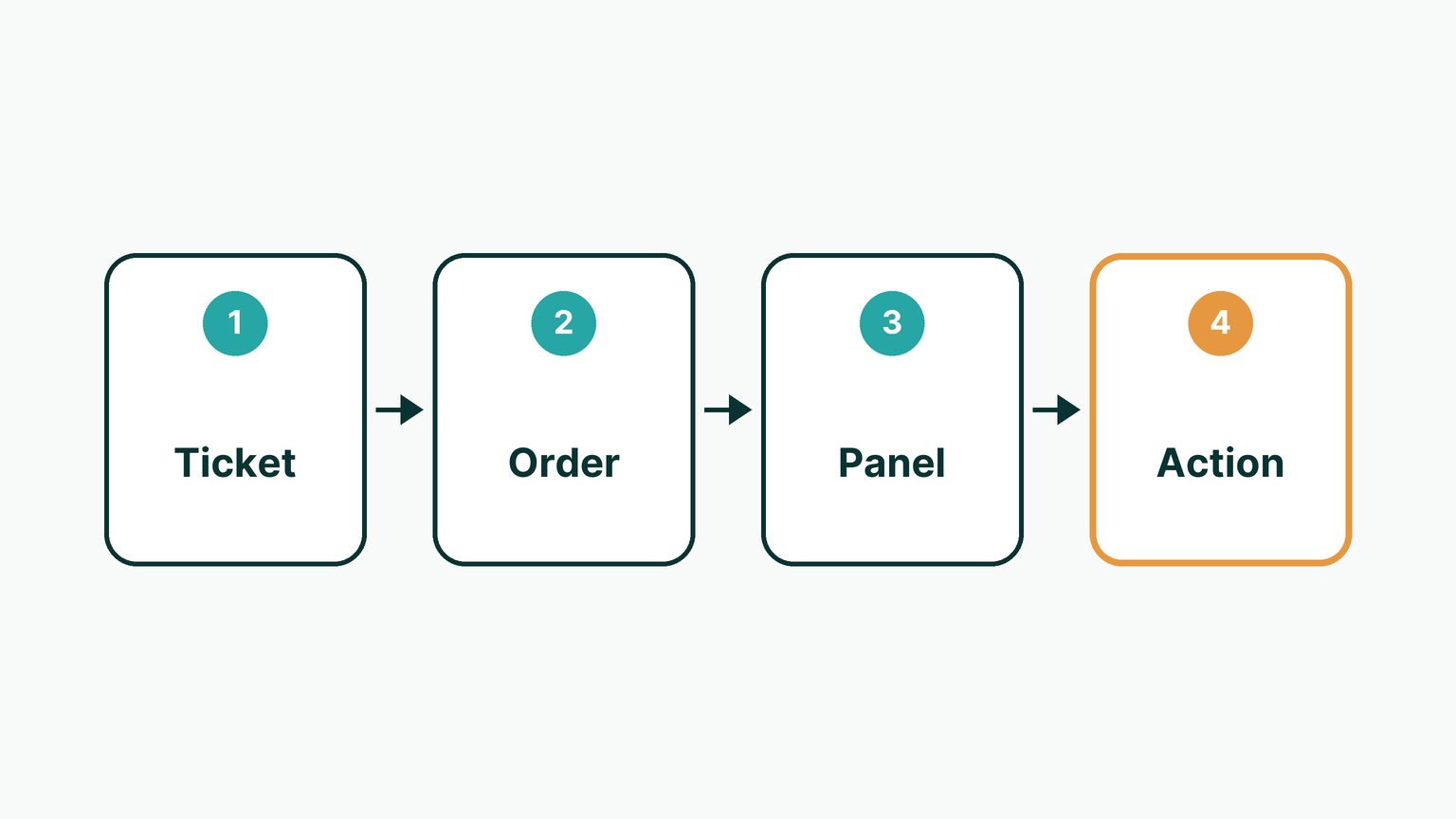
This suits teams whose tickets already carry an order number or contact details. It suits less well a team whose tickets arrive with neither, because the app then has nothing to look up. In that case, the first job is to capture those details on the ticket.
What does the Freshdesk ecommerce order panel show?
The panel shows what was ordered, what was paid and what was refunded. It also shows packing and warehouse status, shipment tracking, and whether a return is still possible.

The agent reads these facts in one place, beside the customer's message. That helps most when a question crosses stages, such as a late parcel that turns into a refund question.
The panel is a view of the owning systems. It is only as current as those systems are. If the online store or order management holds old data, the panel shows old data.
Which actions can an agent take from the panel?
From the same panel, agents can cancel an order, start a return, cancel a single shipment and correct an address. They can also check warehouse stock.
The panel does not process refunds. It shows refund status, and the refund team can use it for payment lookups. Refunds themselves stay with the people and systems that handle them today.
The actions on offer depend on the order's stage. Before shipping, requests go to the online store and order management. After the shipping label exists, they go to the delivery platform. An agent sees the buttons that make sense for that order at that moment.
The limit is simple. A stage decides what is possible, and the app cannot ask a system for something that system does not allow.
Why write back to the owning system instead of keeping a copy?
Each action runs in the system that owns the record, and the app keeps no shadow copy of the order. A copy can drift out of date, and then two screens disagree about the same parcel.
When the app reads the order fresh and writes back to its owner, the ticket panel and the warehouse screen tell the same story. This suits teams that already trust their order management as the record.
The cost is dependence. When one of the owning systems is down, the matching part of the panel cannot load. Weigh that against the risk of a stale copy.
Freshdesk itself sets a limit too. Its API documentation says calls are limited across the whole account, and that calls made by custom apps count towards that limit. Fresh reads on each ticket open are worth planning around that.
| Approach | Best for | Limit |
|---|---|---|
| Separate tabs and logins | A very small number of order questions | Agents can read the wrong order or miss a refund already made |
| Order data copied into the helpdesk | A fixed snapshot for reporting | The copy can drift from the real order |
| Sidebar app that reads and writes back | Agents who act on current orders | Needs access to each owning system and careful roles |
What does the app leave out on purpose?
A sidebar app is easier to trust when its edges are clear. This one does not process refunds. It does not keep its own database of orders. It does not show payment details to frontline agents.
Those limits are design choices, not gaps. Each one removes a way for the panel to disagree with the owning system, or to show the wrong person the wrong thing.
If your team wants a different edge, say so during scoping. A different edge changes the roles, the confirmation steps and the tests, so it is worth deciding early.
How do roles change what the same ticket shows?
The same ticket opens differently for different people. Frontline agents view. Escalation agents act. Only the refund team sees payment lookups.

| Role | Can see | Can do |
|---|---|---|
| Frontline agent | Order contents, status, shipment tracking, return eligibility | View only |
| Escalation agent | The same order view, plus warehouse stock | Cancel an order, start a return, cancel a single shipment, correct an address, check warehouse stock |
| Refund team | The order view, refund status and payment lookups | Look up payments and refund status |
This split suits a business where payment details are sensitive and order changes need experience. The limit is upkeep. Roles must be updated when people change teams, and that task belongs to your administrator.
Freshdesk follows the same idea in its own API. Its documentation says what a call can reach depends on the permissions of the Freshdesk user profile, and a call beyond them is refused.
Why do some actions need a confirmation step?
High-impact actions such as cancellation and return to origin ask for confirmation, not a single click. The agent sees what will happen before it happens. A slip of the finger does not cancel an order by accident.
Each action also writes a log line. The client's IT team can search those lines weeks later to see who did what, and on which order. This suits teams that must explain changes to a customer after the fact.
The limit is that a log records what happened. It does not undo it.
How do you test an app like this beyond the happy path?
We test the failure paths as well as the success path. The app was tested end to end on the client's staging environment and signed off. Each action was fired at a real staging order that the client chose. We then checked the result against the app's own log.
One failure path matters a great deal. When an agent cancels an order that is already cancelled, the panel shows that system's own reason, not a generic error. The agent can then tell the customer what is true.
We also tested automatic ticket field updates, so nothing an agent typed is overwritten. Staging tests show how the app behaves on test orders. They do not promise that production data holds no surprises, so a careful first period is sensible.
Who does a Freshdesk Omni custom app suit, and who does it not?
Custom Freshdesk app development suits a team that answers order questions across several systems and feels the cost of tab switching. It also suits a team that needs different roles to see different things.
It suits less well a team with few order questions, where an existing connector may be enough. It also needs access to your systems and a staging environment to test against. Without those, the work cannot be proven safely.
How to start
- List the systems an agent opens to answer one order question.
- Mark which roles should view, which should act, and who may see payment details.
- Choose the actions that need a confirmation step before they run.
- Arrange a staging environment and a few test orders that your own team picks.
- Agree where the log lines will be kept and who will search them.
One last thing
If your agents still jump between tabs to answer one order question, tell us which systems are involved. The first call and scoping are at no charge. You can contact Fordawn here or read about our services.
Questions
What is a Freshdesk sidebar app?
It is a custom panel inside the Freshdesk Omni ticket view. It shows data from your other systems, such as the order, beside the conversation, so agents stay in the ticket.
Do agents have to type the order number?
No. When a ticket opens, the app reads the order number and the customer's email or phone from it, then fetches the order by itself.
Can the app process refunds?
No. It shows refund status, and the refund team can use it for payment lookups. Refunds stay with the people and systems that handle them today.
Does the app keep a copy of orders?
No. Each action runs in the system that owns the record, and the app keeps no shadow copy, so the panel and the source system agree.
Who can see payment details?
Only the refund team sees payment lookups. Frontline agents view orders, and escalation agents act on them. Your administrator keeps the roles up to date.
Do cancellations need a confirmation?
Yes. High-impact actions such as cancellation and return to origin ask for confirmation, and each action writes a log line your IT team can search later.
Does Fordawn offer Freshdesk implementation?
No. We build custom apps and support automation for teams on Freshworks products. We do not present this as a Freshdesk implementation service.
Sources
Keep reading
- Freshdesk Microsoft Teams Ticket Bot: Raise a Ticket in Chat
A bot in Microsoft Teams can turn a message into a Freshdesk ticket when someone mentions it. It files the ticket under the real requester, replies with the number and link, and keeps the source thread.
- WhatsApp, Phone Call or Front Desk? Where Each Way of Booking Fits in a Hospital OPD
A hospital appointment booking system does not have to pick one channel. WhatsApp becomes one more way in beside the phone and the counter, and all of them land in one day list. This article shows where each fits and where each stops.
- Node.js Security Vulnerability: How to Protect Your Website
Node.js fixed ten security vulnerabilities on 21 October 2026. Here is what the Node.js security vulnerability means for your website or app, and three questions to ask your developer to stay protected.