On this page
- In short
- Why this matters
- Which way of booking should a hospital offer?
- Where does WhatsApp booking fit?
- Where does the phone call fit?
- Where does the front desk counter fit?
- How do the three ways compare?
- How do walk-in and online booking land in one list?
- Can a hospital keep its paper registers and receipt book?
- What happens when a doctor takes sudden leave?
- How do the OPD queue and tokens fit?
- How did one hospital work before?
- How to start
- One last thing
A hospital appointment booking system does not have to choose between WhatsApp, the phone and the front desk counter. WhatsApp becomes one more way in, beside the phone and the counter, and all three write into one day list.
This article shows where each way fits in an outpatient department (OPD), what each one needs, and where each one stops. We are Fordawn, a software company in Salem, Tamil Nadu, and we built these parts inside MediFlow.
In short
- WhatsApp is added beside the phone and the counter, and it does not replace either of them.
- Walk-in, phone, website and WhatsApp bookings land in one day list, in the order they arrived, with nothing written twice.
- When a doctor takes sudden leave, patients with a phone number on record receive a WhatsApp notice, and the desk still phones those booked within the next few hours.
- The OPD queue and tokens run alongside appointments and doctor leave, and each bill and receipt is numbered on its own series.
Why this matters
A hospital OPD already takes bookings in several ways. A patient phones. Another walks up to the counter. A third messages on WhatsApp because that is the app already open on the phone.
The risk is not the number of ways in. The risk is that each way keeps its own list. Then the receptionist must compare a register, a phone notebook and a chat before the doctor arrives.
So the useful question is not which channel to pick. It is whether every channel lands in the same place. That is what hospital front desk software has to settle first.
Which way of booking should a hospital offer?
A hospital should offer the ways its patients already use. For most OPDs that means the phone, the counter and WhatsApp together. Dropping the phone to push everyone to WhatsApp would leave out patients who do not use it.
This suits a hospital with a mixed patient group, such as older patients, families from villages, and working patients who book from a phone at night. It does not suit a hospital that wants to force one channel, because some patients will then stay away.
The rest of this article takes each way in turn and then shows how they meet. Each section names who the way suits, what it needs, and where it stops.
Where does WhatsApp booking fit?
WhatsApp booking fits patients who already use WhatsApp and want to book outside working hours. The patient messages the hospital's own number and picks a doctor and a slot. No app needs to be installed.
It needs a smartphone and a working data connection on the patient's side. On the hospital's side, it needs someone to decide which doctors and services show in the chat.
Its limit is plain. A patient who does not use WhatsApp cannot use it, and it does not answer a question that needs a person. The MediFlow page describes the WhatsApp booking in more detail.
Where does the phone call fit?
The phone call fits patients who want to speak to a person, who are unsure which doctor to see, or who do not use WhatsApp. A receptionist answers, asks a few questions, and enters the booking.
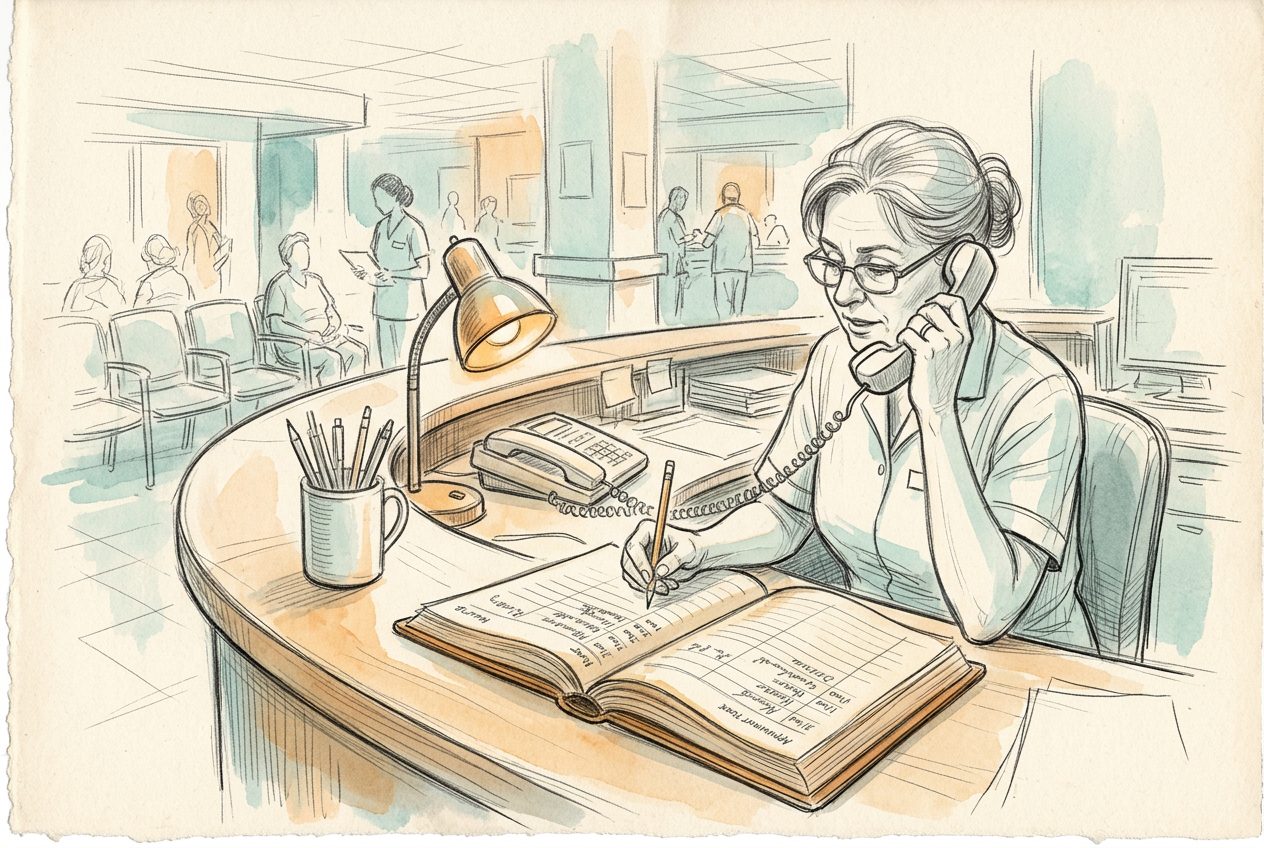
It needs a person at the desk during calling hours. It also needs a clear habit: the booking is entered into the system while the patient is still on the line.
Its limit is capacity. One receptionist can talk to one caller at a time, and a busy morning means missed calls. The phone stays valuable, but it should not be the only door.
Where does the front desk counter fit?
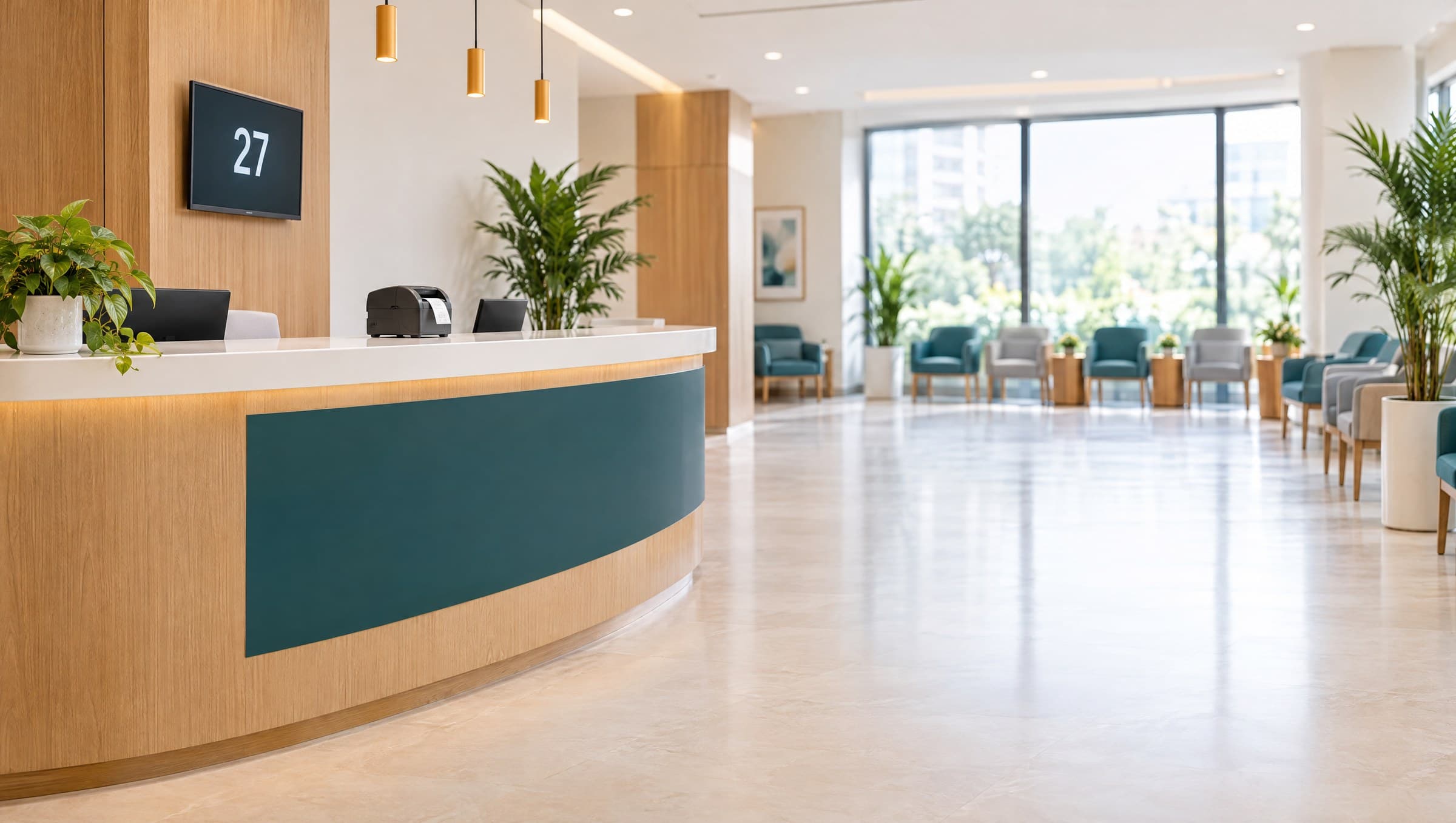
The counter fits walk-in patients, patients who bring an older relative, and patients who prefer to pay and be registered in person. The receptionist books the visit and hands over the details face to face.
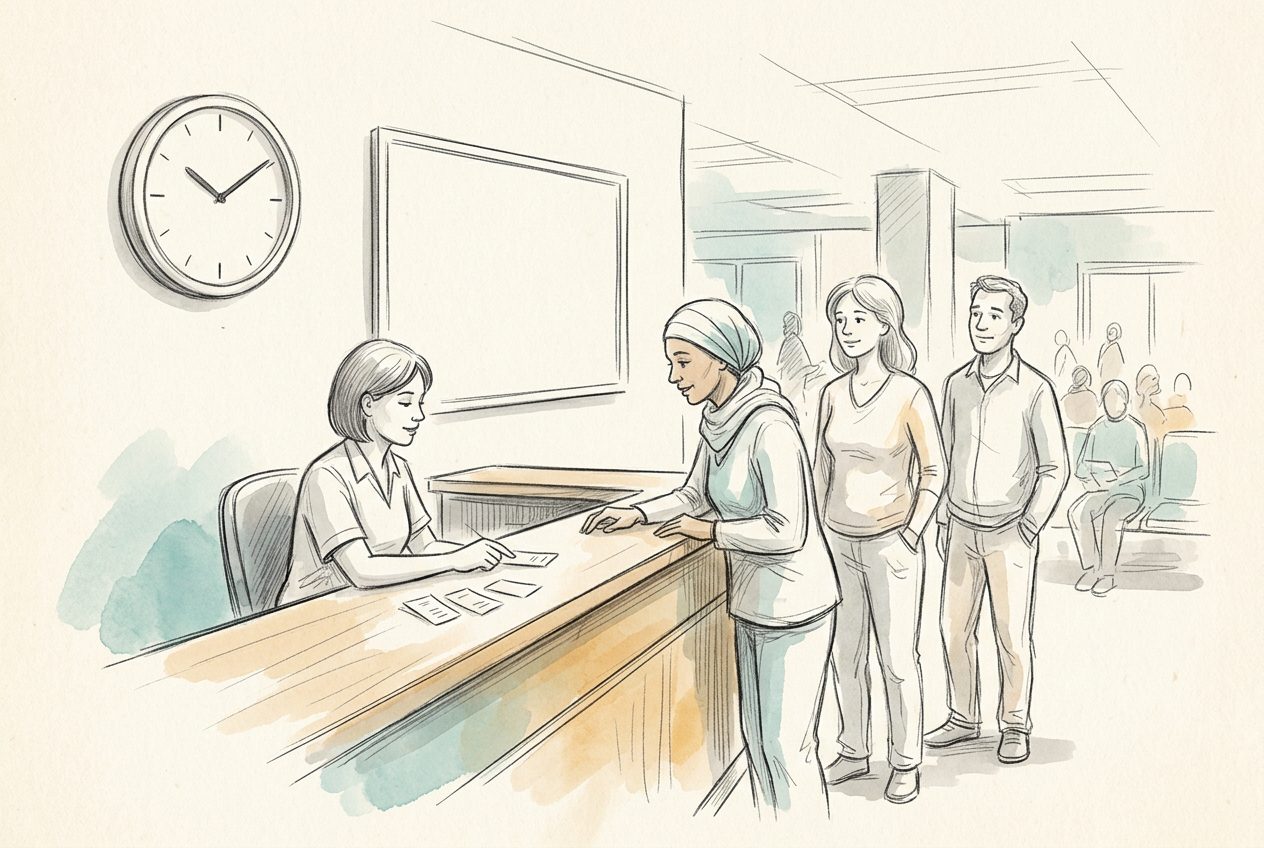
It needs a screen at the desk that shows the day's appointments as they arrive. That is the job of hospital front desk software, and it is where the other channels also appear.
Its limit is that the patient must travel to the hospital to book. For a patient who lives far away, the counter is a poor first step.
How do the three ways compare?
The table below puts the three ways side by side. Read the last column first, because the limit is what decides whether a channel is enough alone.
| Way of booking | Who it suits | What it needs | Its limit |
|---|---|---|---|
| Patients who use WhatsApp and book outside working hours | A smartphone, data, and a hospital number set up for the chat | Does not reach patients who do not use WhatsApp | |
| Phone call | Patients who want to speak to a person or need advice | A receptionist on the line during calling hours | One caller at a time, so calls can be missed |
| Front desk counter | Walk-in patients and those who prefer to book in person | A desk screen showing the day's appointments | The patient must already be at the hospital |
No row in this table is enough alone for a mixed patient group. That is why the three are used together.
How do walk-in and online booking land in one list?
Walk-in, phone, website and WhatsApp bookings all land in one day list, in the order they arrived. Nothing is written twice. This suits a receptionist who wants one screen to look at, not four sources to check.
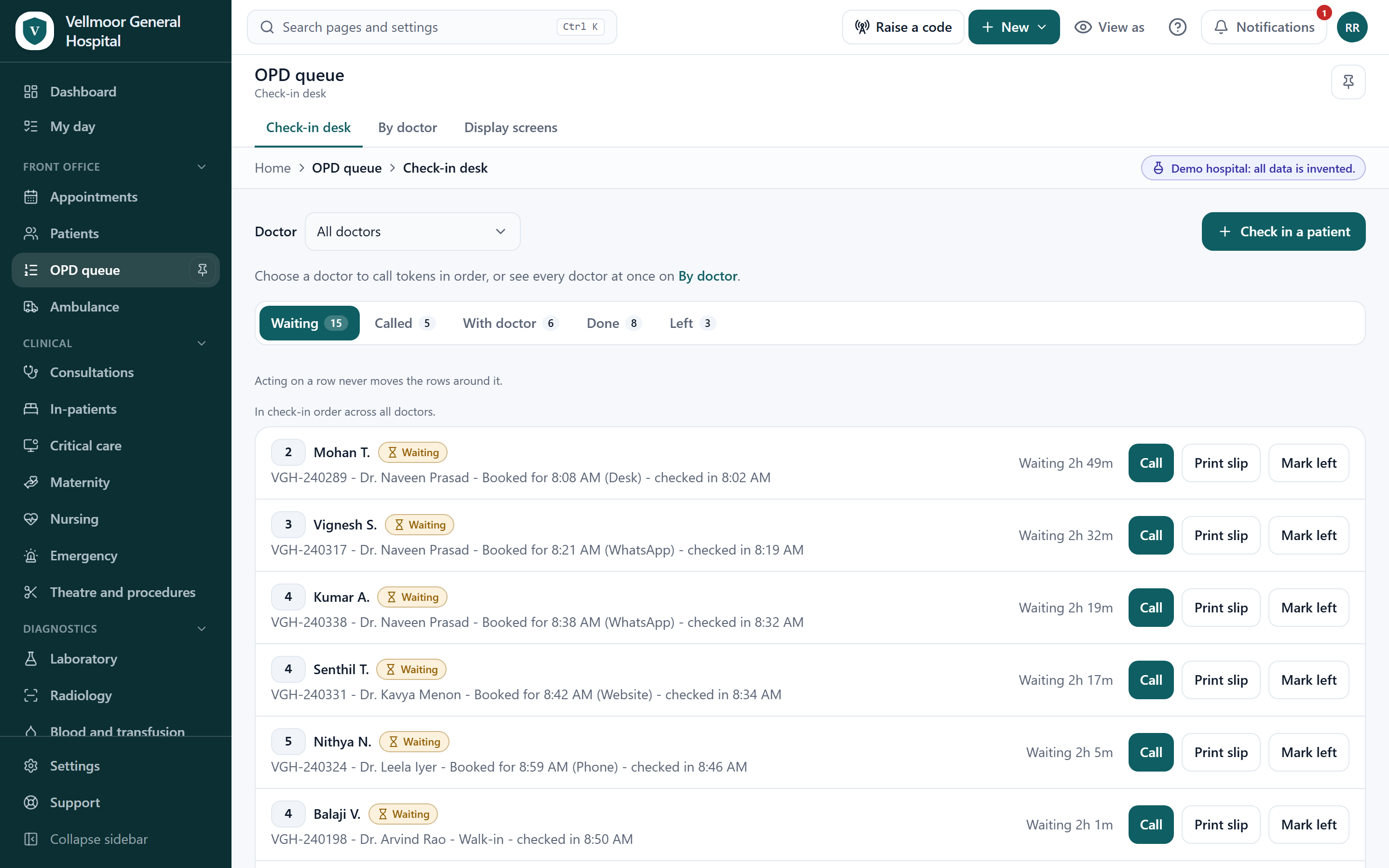
The aim is walk-in and online booking in one list, not two lists matched by hand at the end of the day. A booking made at the counter and a booking made on WhatsApp sit side by side. The receptionist sees which patient arrived first.
The limit is that the list is only as good as the entries. If someone takes a phone booking on a scrap of paper and forgets to enter it, it is missing. The habit of entering at once still belongs to the people at the desk.
Can a hospital keep its paper registers and receipt book?
Yes. A hospital may keep its paper registers and its receipt book if it wants to. What changes is that each bill and receipt is numbered on its own series. A number cannot be duplicated, and it cannot be skipped.
A correction is a new document, not an edit. If a receipt was wrong, the hospital issues a correcting document, and the original stays as it was. This suits a hospital whose accountant wants a clean trail.
The limit is that keeping both paper and system means two places to maintain. We suggest a hospital decides in advance which one is the record, so staff do not argue about it later.
What happens when a doctor takes sudden leave?
When a doctor takes sudden leave, patients with a phone number on record receive a WhatsApp notice. The notice has buttons to reschedule or cancel in the same chat. WhatsApp allows up to three predefined reply buttons in one message, so the patient taps a choice and does not type one (WhatsApp Business Platform documentation). The patient answers without calling the hospital.
WhatsApp also limits when a hospital may write first. A free-form message can be sent only while a 24-hour customer service window is open, which starts when the patient messages the hospital. When the window has closed, only a pre-approved template message can be sent (WhatsApp Business Platform documentation: Service messages). A notice about leave to a patient who has not written lately therefore has to be a template.
The desk still phones the patients booked within the next few hours. A message may sit unread for a while, and the patient due soon cannot wait for it. The call covers that gap.
The limit is the phone number. A patient with no number on record gets no notice, so the desk should check the list for missing numbers when the leave is entered.
How do the OPD queue and tokens fit?
The OPD queue and tokens run alongside appointments and doctor leave. This suits an OPD where some patients are booked and others simply arrive, because the desk works from one set of records for both.
For OPD queue management, the point is that the same system holds the appointments, the tokens and the doctor's leave. When a doctor is on leave, the desk sees it where it hands out the tokens. A token does not come from a separate notebook.
The limit is that a queue shows order, not time. It does not tell a patient how long the doctor will take, and we make no claim about waiting time.
How did one hospital work before?
At Gift of Sight Eye Hospital in Tiruchirappalli, one receptionist took the calls, wrote each booking into a register by hand, and wrote out the receipts. That was how the front desk worked.
The hospital has used WhatsApp booking, registration and billing since 16 September 2026. We make no claim about time saved or waiting time, because we have not measured either for this article. You can read the MediFlow work page for the context.
How to start
- Count how patients book today: phone, counter, website and WhatsApp.
- Decide whether each channel should write into one day list.
- Choose whether to keep the paper registers and the receipt book.
- Agree who phones patients when a doctor takes sudden leave.
- Check that phone numbers are recorded at registration.
- Try the WhatsApp demo for fourteen days on your own hospital's number.
One last thing
If you run an OPD and want to see all three ways in one list, contact us. The first call and the scoping carry no charge. You can also look at the front desk page first.
Questions
Does WhatsApp replace the phone and the counter?
No. WhatsApp is one more way in beside the phone and the counter. A patient who does not use WhatsApp still books by phone or at the desk.
Do walk-in and WhatsApp bookings sit in the same list?
Yes. Walk-in, phone, website and WhatsApp bookings land in one day list, in the order they arrived, with nothing written twice.
Can a hospital keep its paper register and receipt book?
Yes, if it wants to. What changes is that each bill and receipt is numbered on its own series, which cannot duplicate or skip a number.
How is a wrong receipt corrected?
A correction is a new document, not an edit. The hospital issues a correcting receipt, and the original stays as it was.
What happens when a doctor takes sudden leave?
Patients with a phone number on record get a WhatsApp notice with buttons to reschedule or cancel. The desk still phones those booked within the next few hours.
Are OPD queue and tokens separate from appointments?
No. The OPD queue and tokens run alongside appointments and doctor leave, so booked patients and walk-ins are handled in one place.
Can a hospital try the WhatsApp booking first?
Yes. A hospital may try the WhatsApp demo for fourteen days on its own hospital's number before deciding.
Sources
Keep reading
- Freshdesk Sidebar App: Orders, Refunds and Returns in One Panel
How a custom Freshdesk Omni sidebar app shows orders, refund status and returns beside the ticket, with roles, confirmation steps and a searchable log. Built for a large direct-to-consumer brand in India.
- WordPress to Custom Web Application Migration: How We Moved EasyForest
Fordawn rebuilt easyforest.in, the site of a native-forest planting company in Salem, from WordPress to a custom web application. This case study lists the seven things we protected: printed QR codes, old addresses, search tags, email, private data, brand, and tests.
- Node.js Security Vulnerability: How to Protect Your Website
Node.js fixed ten security vulnerabilities on 21 October 2026. Here is what the Node.js security vulnerability means for your website or app, and three questions to ask your developer to stay protected.