On this page
- In short
- Why this matters
- What did we protect when we moved EasyForest off WordPress?
- Why does a printed QR code need an old address to keep working?
- How do old URL redirects protect search visibility?
- What happens to email and the domain during a move?
- How should private data be treated in a migration?
- What does the new EasyForest site do that the old one did not?
- How do we keep the brand and make the site easier to read?
- How do we help search engines read the new site?
- How do we test and release the site?
- Should you move from WordPress at all?
- How to start a migration
- One last thing
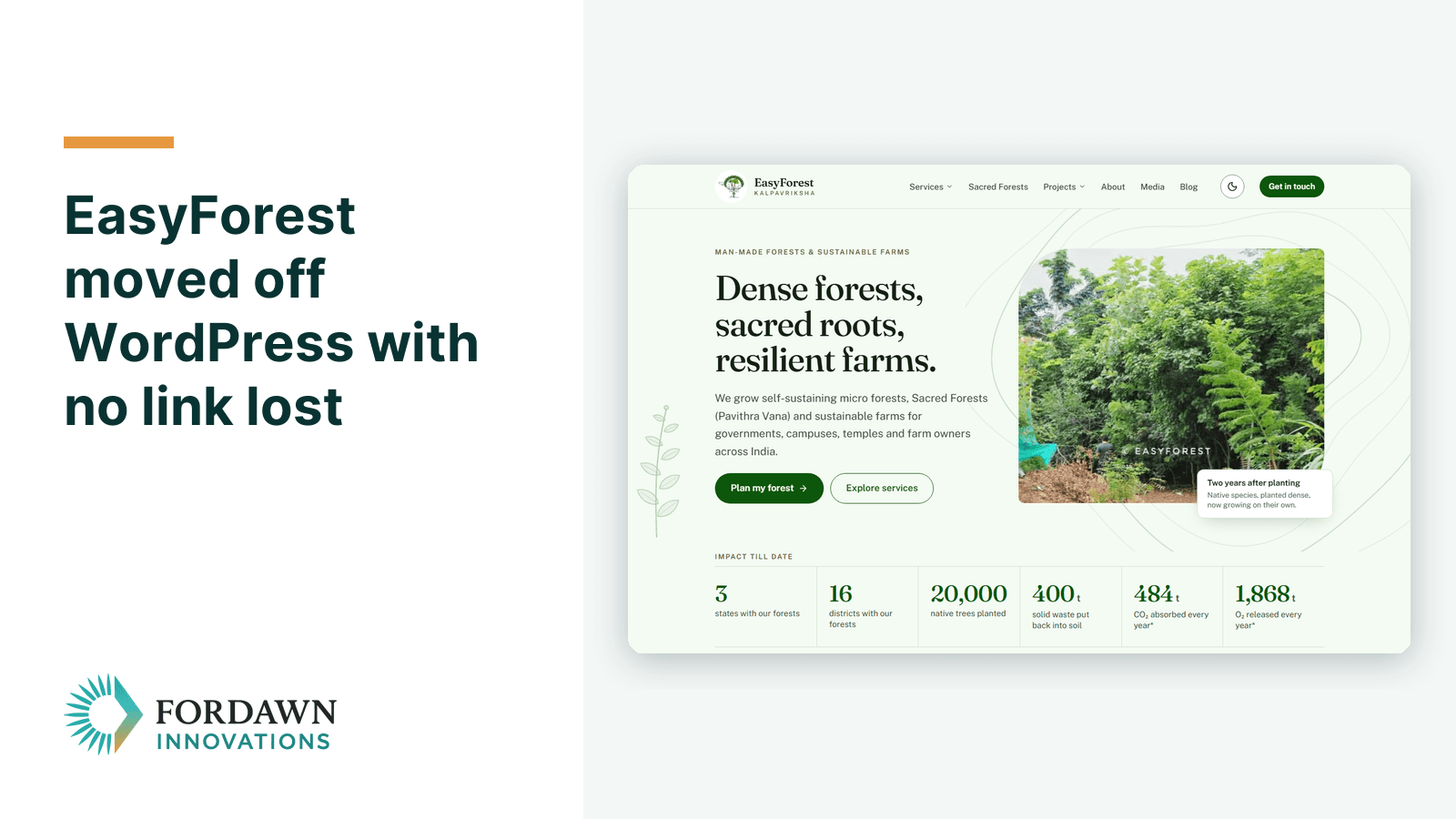
A WordPress to custom web application migration works when each old address keeps leading to a useful page. We proved this on EasyForest (EasyForest / KALPAVRIKSHA), a native-forest planting company in Salem, whose site easyforest.in we rebuilt from WordPress. This case study lists the seven things we protected, in the order we checked them.
In short
- We moved the EasyForest site from WordPress to a custom web application, including 15 blog posts, with each old address redirected to its new page.
- A printed QR (quick response) code on a hospital campus cannot be reprinted, so its old address still works, and a test checks it before each release.
- Private posts and old form submissions were left out of the new code on purpose.
- A custom web application needs a developer to change, so a small brochure site may stay on WordPress.
Why this matters
A website is more than its pages. Visitors have saved links, other sites point to you, and printed material carries your address. When the address changes and nothing redirects, all of those paths end on an error page.
Without a redirect, a search engine has no signal that the page has moved. Google's guidance on site moves asks owners to map each old address to its new one for this reason. If you want to move a website without losing rankings, this plain work decides whether the move is quiet or costly.
The same guidance warns that rankings can fluctuate for a while during a move. So we promise no ranking result, and we say so in the answers below.
Fordawn is a web application development company in Salem, Tamil Nadu. EasyForest plants native forests, and its old WordPress site held pages, blog posts, projects, photos and media. We rebuilt it as a custom web application, and the footer now reads "Developed by Fordawn Innovations Pvt. Ltd."
What did we protect when we moved EasyForest off WordPress?
We protected seven things, and each one has a check that can fail visibly. The list below is the order we worked in. You can use it as a checklist with any developer, including us.
- Printed material: QR codes and addresses on paper, boards and walls.
- Old addresses: each page, dated blog link and unusual link.
- Search visibility: redirects, a sitemap, and the search tools set up.
- Email and domain: the inbox must keep working through any domain change.
- Private data: what must not be carried into the new code.
- Brand: the logo, colours and the way the site reads.
- Testing: automated checks that run before each release.
This suits any owner whose site has been online for a few years. It does not replace a content review, which you still need to do yourself.
Why does a printed QR code need an old address to keep working?
A printed QR code holds a fixed address, and it cannot be changed after printing. For EasyForest, a QR code on a hospital campus points at an old address. It cannot be reprinted, so that address must work for as long as the code stays on the wall.
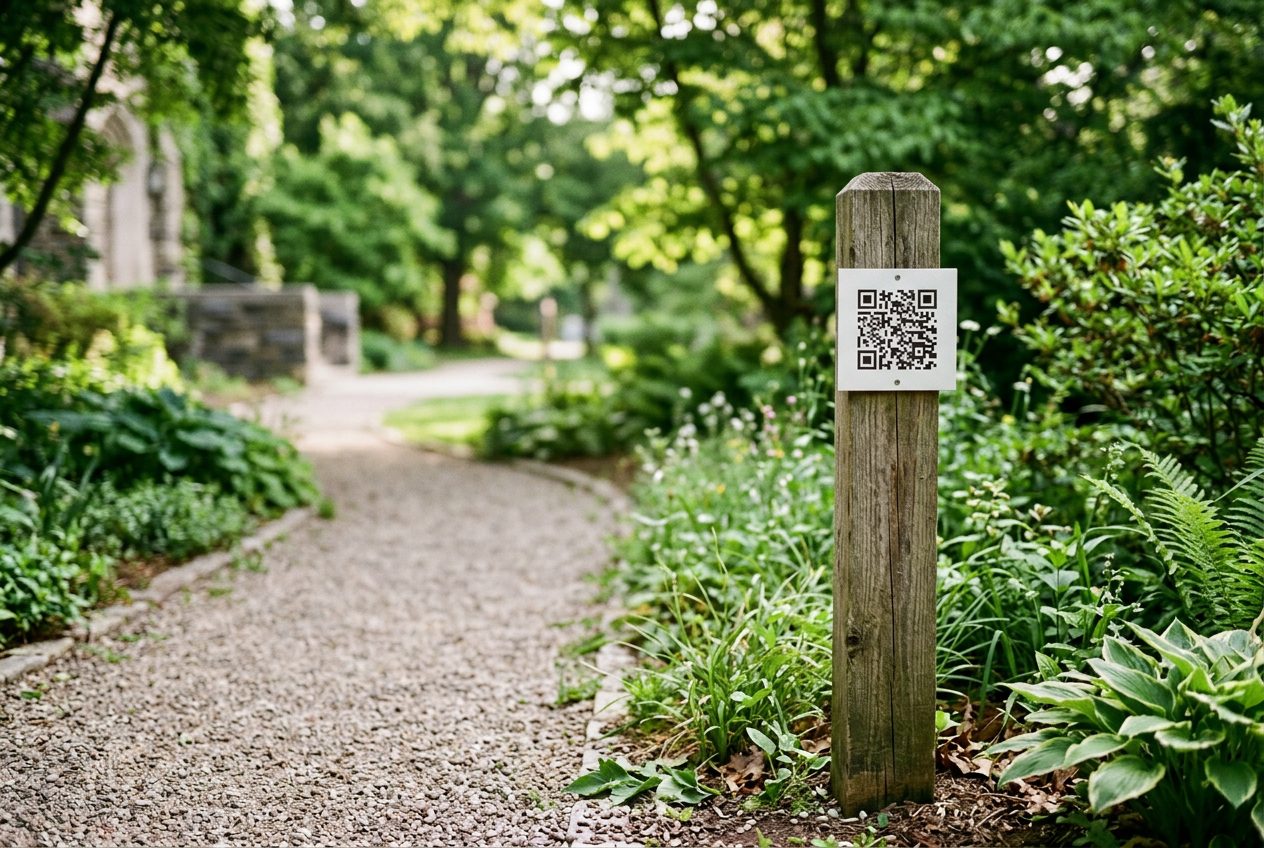
We kept the old address working with a permanent redirect to the right new page. We then added an automated test for it, which runs before each release. If a later change breaks the redirect, the release stops until it is fixed.
Google suggests keeping such redirects for as long as possible, generally at least one year. A code on a wall needs longer, so this one has no end date.
Ask where your own address is printed: brochures, signboards, vehicles, invoices or visiting cards. This check does not help with a code that points to a domain you have lost control of, such as an expired one.
How do old URL redirects protect search visibility?
Each old address should redirect to the page that now holds the same content. A permanent redirect tells search engines that the page has moved, and that the new address should take over. Google's redirect guidance says it uses a permanent redirect as a signal that the new address should be the main one.
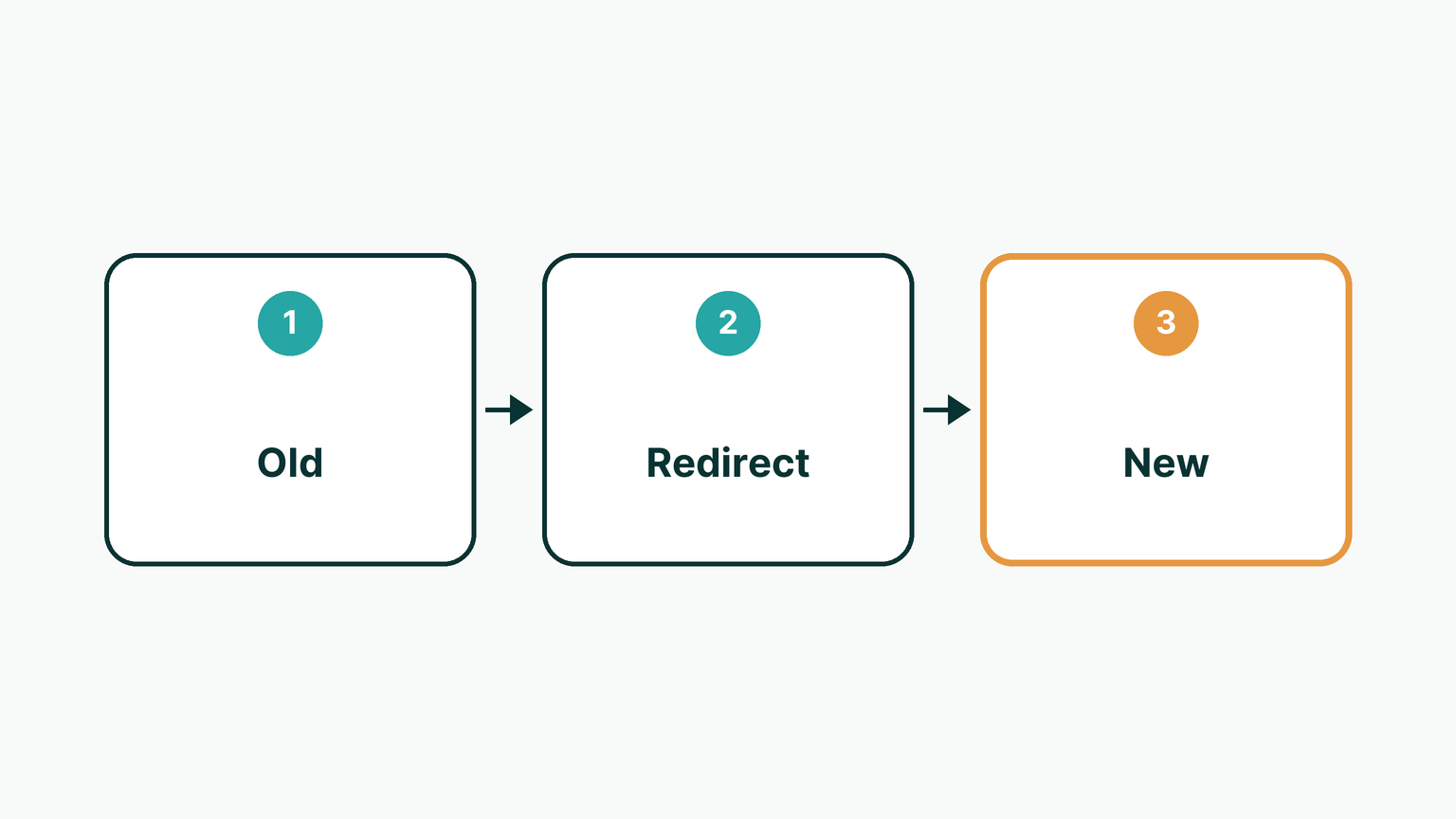
We mapped website migration SEO redirects for each old address, including dated blog links and links that contain emoji. Emoji in an address is easy to miss, because many migration tools skip such links. The 15 blog posts we moved keep their old addresses working, so shared links and bookmarks land on the right page.
A redirect only helps when the new page answers the same question as the old one. If you remove a page for good, a redirect to the home page can mislead visitors. In that case a clear "this page has moved on" message is the honest choice.
What happens to email and the domain during a move?
The enquiry form and the owner's email must keep working throughout. We set the enquiry form to deliver to the owner's own inbox, so messages reach a place the owner already checks. The form was tested before release.
The owner is not a technical person, so we gave plain-language guidance on the parts that sit outside the code. These were Google's search tools for site owners, Google Business Profile, Bing Webmaster Tools, a domain transfer that keeps email working, and an email backup plan. A domain transfer can interrupt email if the mail settings are not copied first.
This guidance is advice, not a managed service. The owner still holds the domain and the inbox, and makes the final choices there.
How should private data be treated in a migration?
Private data should be moved only when the new site truly needs it. A private blog post from the old site was not moved. Old form submissions contain personal data, so they were not published, and they were not stored in the code.
This matters because a migration copies a lot at once, and private items sit beside public ones. Check the old site for drafts, private posts, form entries and user lists before the move begins. Decide for each item whether it goes, stays in the old archive, or is deleted.
The limit is that we can only judge what we can see. The owner must tell us about private content that is not marked as private.
What does the new EasyForest site do that the old one did not?
The new site shows its work through features built for a planting company. A before and after slider, the site's growth slider, shows Salem waste land turning into forest in 10 months. Impact figures such as trees planted, districts, carbon dioxide and oxygen count up as they come into view.
The illustrations are drawn in code, with no stock art. A sacred mandala shows 27 stars, 9 planets and 5 elements. A set of land-survey contour lines suits the planting story, and photos use a leaf-corner shape.
These features suit a site that tells a story in pictures. A site that sells a simple service may not need them, and each one adds work for a developer.
How do we keep the brand and make the site easier to read?
We kept the client's logo and brand colours, so the new site feels familiar to returning visitors. Before the build, we agreed a researched design system with the owner. It sets colour, type scale, spacing, and each component in each of its states.
The site has light and dark themes with a switch, and the wrong theme does not flash on loading. Sections fade up on scroll, and the site respects each visitor's reduced-motion setting. Fonts are hosted on the site itself.
On the client list we did not use a government emblem. The State Emblem of India (Prohibition of Improper Use) Act, 2005 bars using the emblem in a way that suggests a link to the Government without prior permission. Check such rules for your own logos and partner lists.
How do we help search engines read the new site?
We make sure content is visible to search engines and to visitors whose browsers run no scripts. Each page and post opens with an answer-first summary, and many carry comparison tables and an FAQ. Structured data describes the pages in a form that machines can read.
A sitemap lists the pages with their real last-updated dates, and a separate file maps the site for assistants that read the web. Google says it relies on a last-updated date only when it proves consistently accurate. It also calls a submitted sitemap a hint only.
Search engines are notified on each release. We also set up Google's search tools for site owners and Bing Webmaster Tools.
We do not report rankings or results here, because none are measured yet. Search figures from Google's tools are expected in mid-November 2026, and we will share them when they exist.
How do we test and release the site?
We run 225 automated tests before each release, and a failed test stops the release. They check that pages load, links work, forms deliver, and search tags are present. They also check the printed-QR redirect, and that phone screens down to 360 pixels wide do not scroll sideways.

Accessibility is tested on each page, in both themes, against level AA of the Web Content Accessibility Guidelines (WCAG) 2.2. The W3C defines three levels there: A, AA and AAA. Each change is shown first on a local preview, also on the owner's phone. Nothing goes live without approval.
Releases go through the Fordawn Portal. Each version is tagged as a restore point, so we can go back, and we can check the live version after a release. Automated tests find what they are written to find, so the owner still reads each page for facts and tone.
Should you move from WordPress at all?
Move only if the site needs something WordPress cannot do well for you. A custom web application needs a developer to change, and that is a real cost in time. A small brochure site may be fine on WordPress.

| Option | Best for | Limit |
|---|---|---|
| Stay on WordPress | A small brochure site that the owner edits alone | Plugins and updates need regular care |
| Custom web application | A site with its own design, content structure and checks | Each change needs a developer |
| Move in stages | An owner who wants to review each part | Two sites run side by side for a while |
How to start a migration
- List each place your address is printed, including codes that cannot be reprinted.
- Export the list of old addresses, with dated blog links and unusual links.
- Mark private posts, drafts and form entries that must stay out of the new site.
- Agree the logo, colours and design system before any building starts.
- Ask for automated tests and a local preview, so you approve each change first.
- Check who holds the domain and where your email is hosted.
One last thing
If you plan to move a WordPress site and want the old addresses to keep working, talk to us. The first call and scoping carry no charge. You can reach us on the contact page, or read about our services first.
Questions
What is a WordPress to custom web application migration?
It is moving a WordPress site to a purpose-built web application. Pages, posts and media are carried across, and each old address is redirected to its new page.
Will I lose my search ranking when I move?
A move carries risk, and redirects reduce it. Each old address should point permanently to its new page. We do not promise rankings, because results depend on many things.
What is a permanent redirect?
It is an instruction that tells browsers and search engines a page has moved for good. Visitors land on the new page, and search engines can pass the old address on.
Can a printed QR code keep working after a site move?
Yes, if the old address it holds keeps a permanent redirect. For EasyForest we test that redirect before each release, so a later change cannot break it quietly.
Was old form data moved to the new EasyForest site?
No. Old form submissions hold personal data, so we did not publish them or store them in the code. The owner decides what to keep in an archive.
Does a custom web application suit every small business?
No. It needs a developer to change. A small brochure site that you edit yourself may be fine on WordPress. Move only when the site needs more.
Does the owner need technical skills after the move?
Not to use the site, but changes go through a developer. We gave plain-language guidance on Google's search tools, Google Business Profile, Bing, domain transfer and email backup.
Sources
- Google Search Central: Site moves with URL changes
- Google Search Central: Redirects and Google Search
- Google Search Central: Build and submit a sitemap
- W3C: Web Content Accessibility Guidelines (WCAG) 2.2
- Government of India: The State Emblem of India (Prohibition of Improper Use) Act, 2005 (text hosted by PRS Legislative Research)
- easyforest.in, the rebuilt site
Keep reading
- WhatsApp, Phone Call or Front Desk? Where Each Way of Booking Fits in a Hospital OPD
A hospital appointment booking system does not have to pick one channel. WhatsApp becomes one more way in beside the phone and the counter, and all of them land in one day list. This article shows where each fits and where each stops.
- Supplier Portal Software: Where Suppliers Receive, Confirm and Track a Brand's Purchase Orders
A brand that sources spices and packaging sends purchase orders to its suppliers. Here is how Fordawn designed a portal where each supplier receives, confirms and tracks them, for 5Senses, in English and French.
- Node.js Security Vulnerability: How to Protect Your Website
Node.js fixed ten security vulnerabilities on 21 October 2026. Here is what the Node.js security vulnerability means for your website or app, and three questions to ask your developer to stay protected.